


Used by professional trainers
Train by the numbers, not guesswork.
Live pace, speed, distance, and interval tracking right on your wrist — so every racing and trotting session hits its target.
Start 7-Day Free Trial
iOS, Apple Watch & Android

Used by professional trainers
Live pace, speed, distance, and interval tracking right on your wrist — so every racing and trotting session hits its target.
iOS, Apple Watch & Android
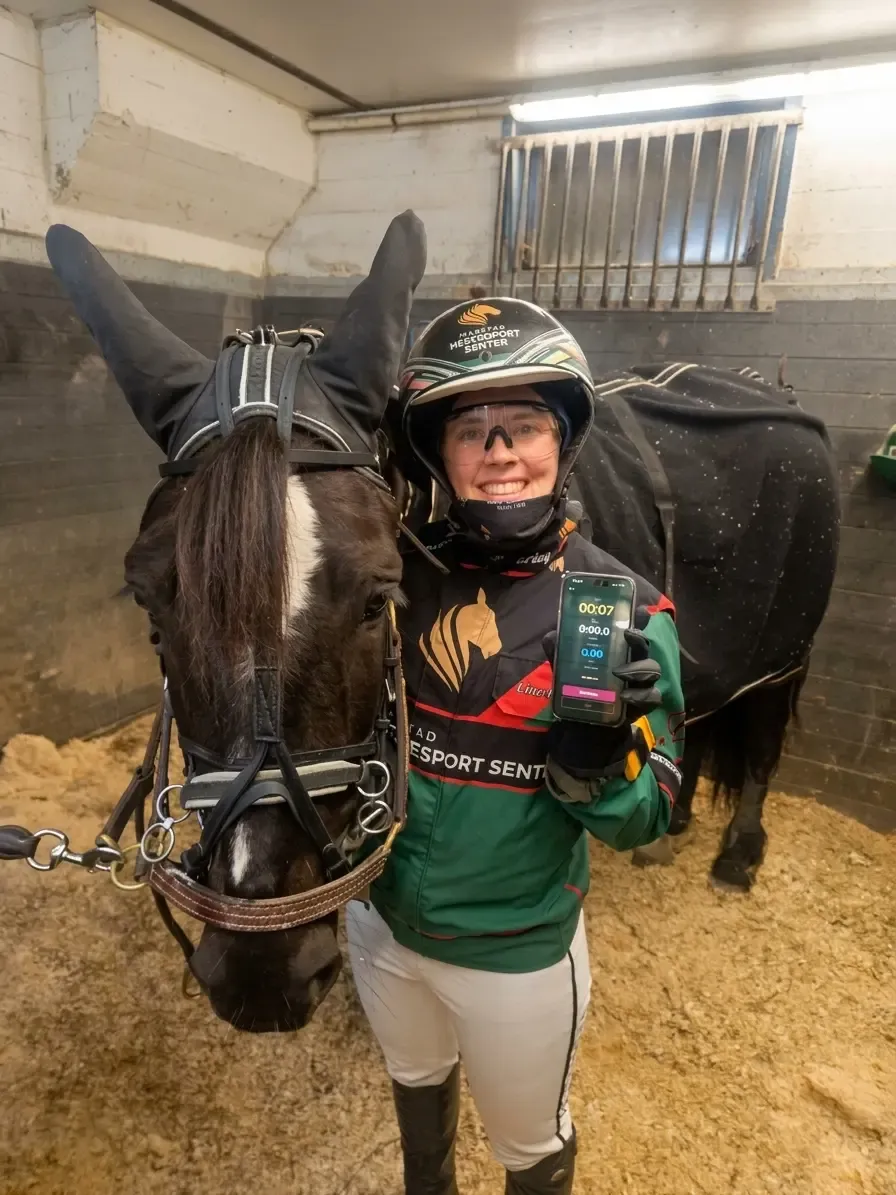
Line Barane
Monté driver / Pace IQ user
Available on iOS, Apple Watch & Android.
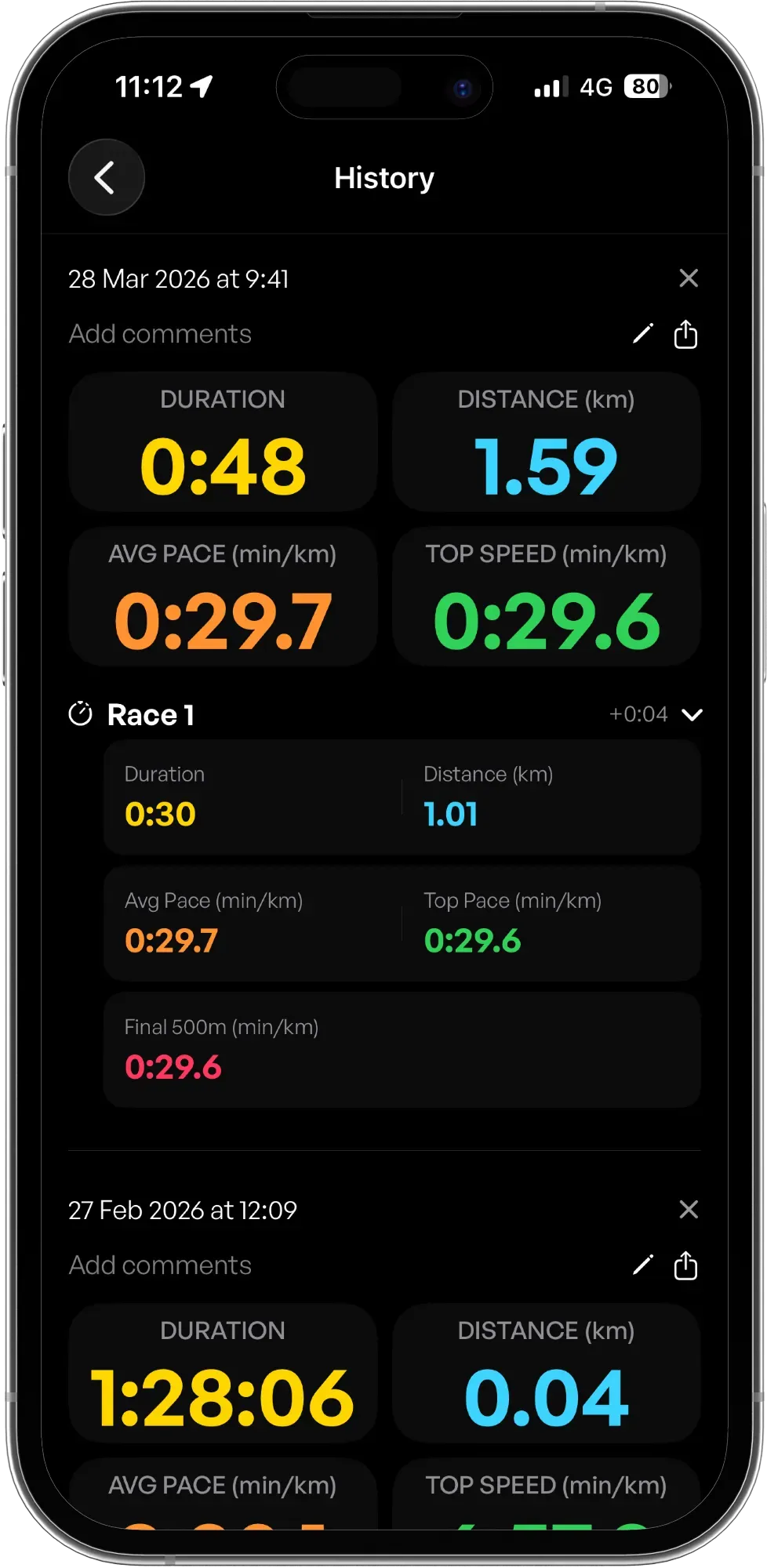
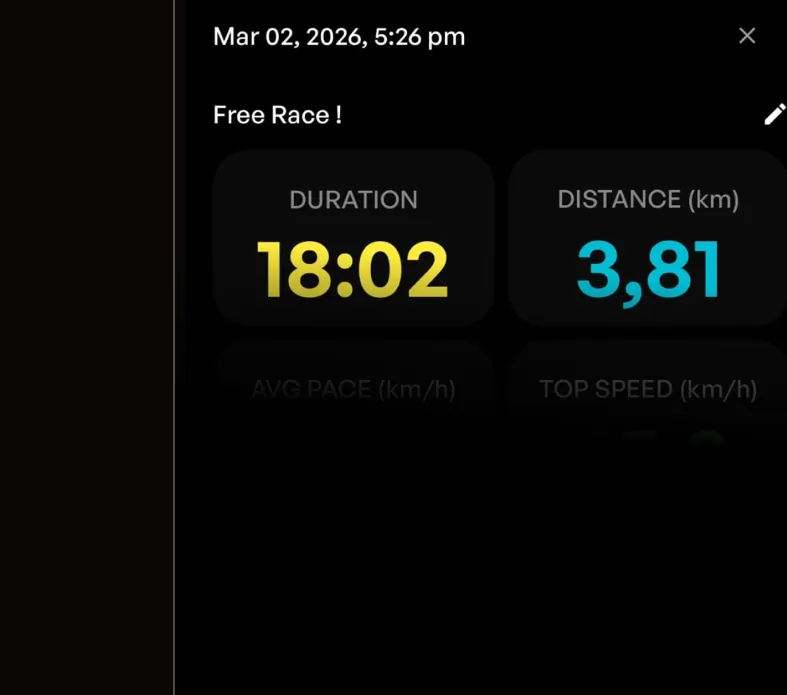
All sessions saved with pace, distance, and duration for long-term tracking.
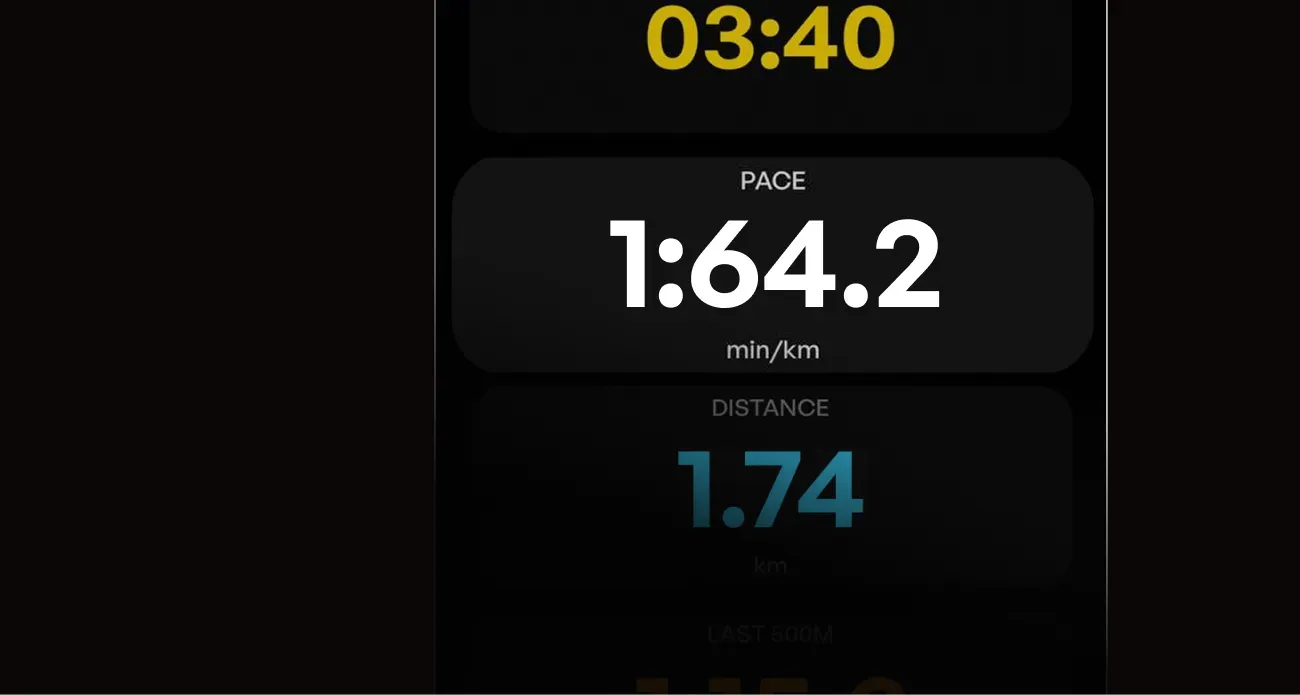
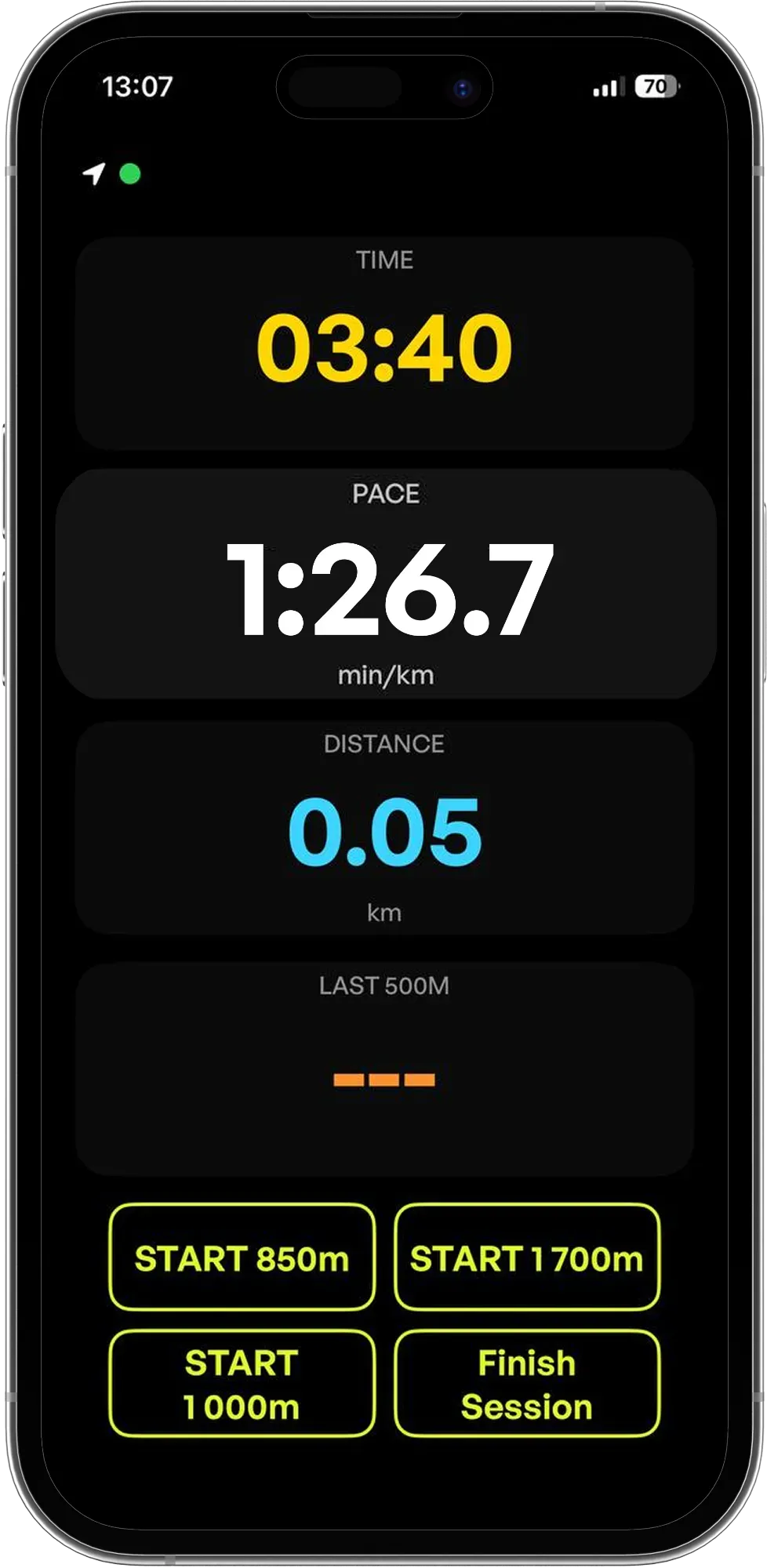
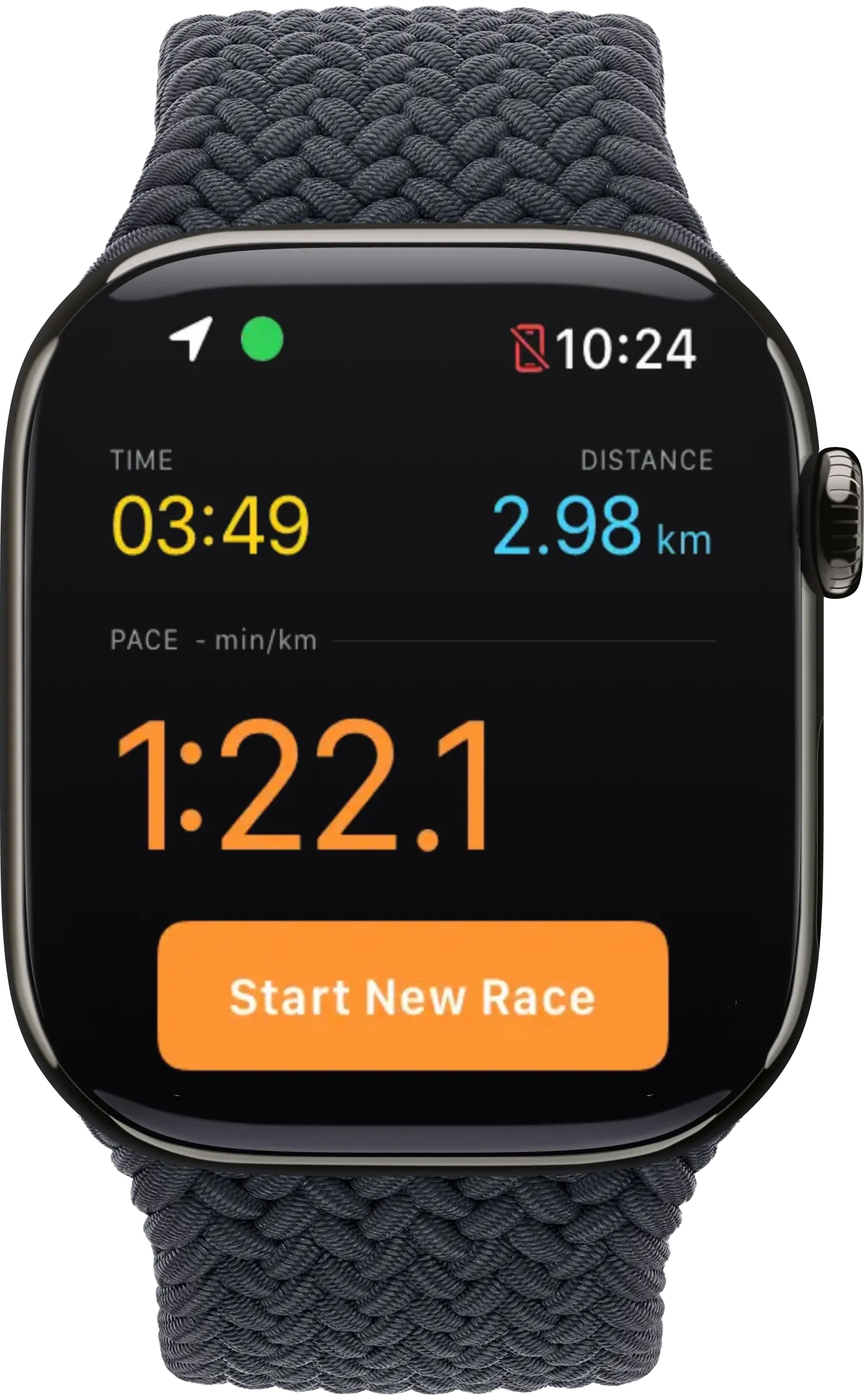
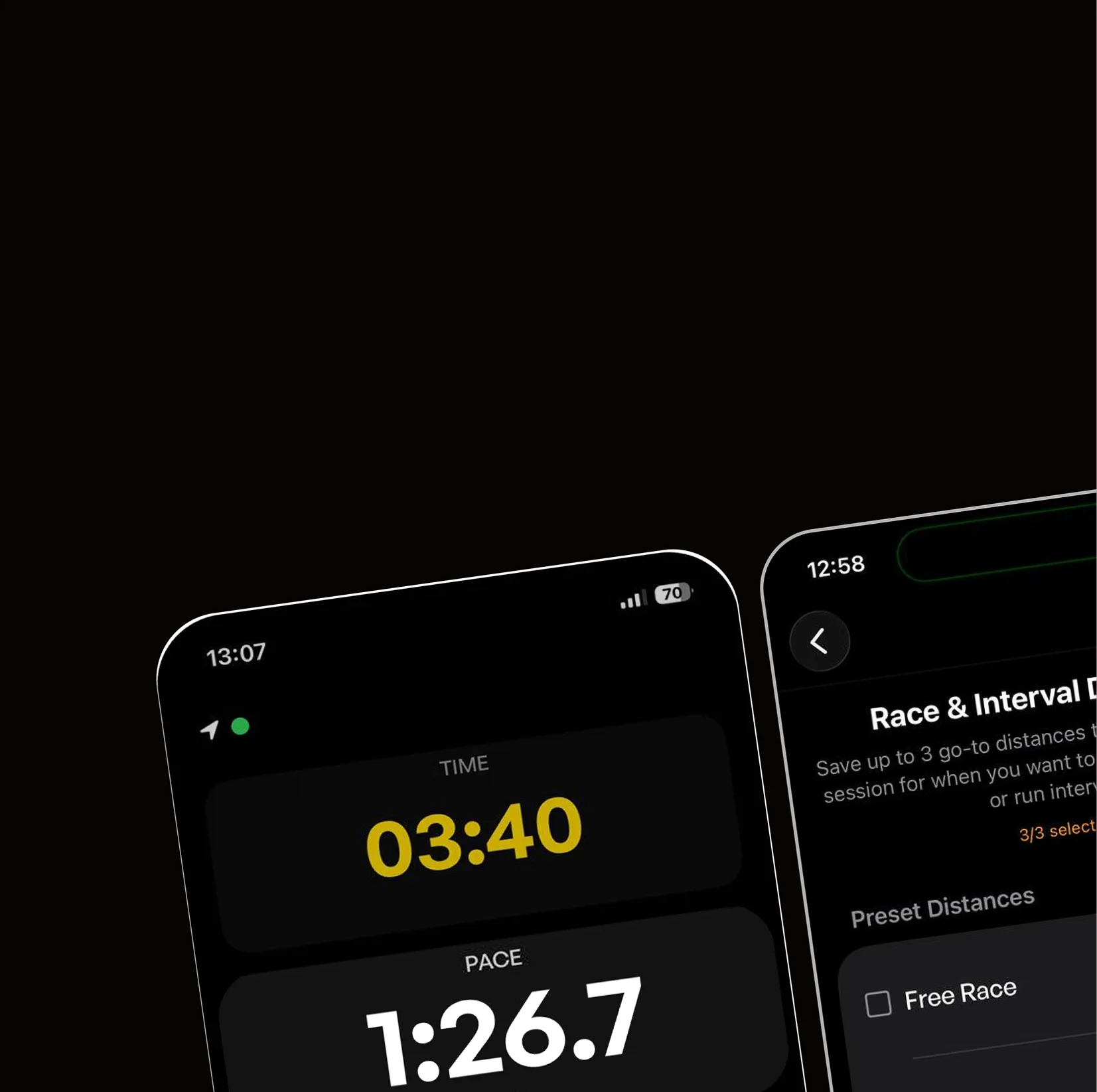
Track your horse's pace in real time during every training session using GPS.
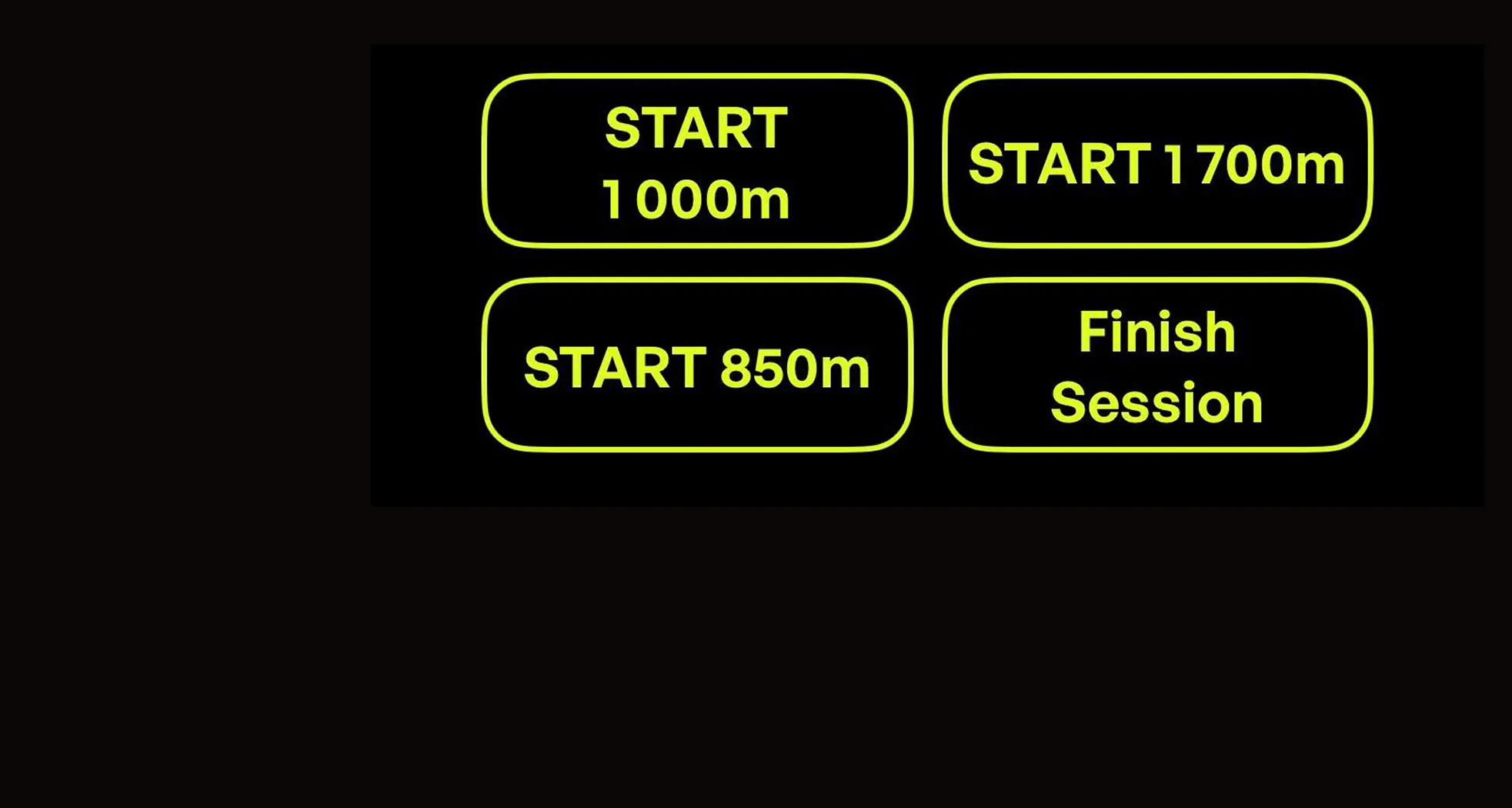
Run repeatable, controlled training sessions with preset distances & timing.
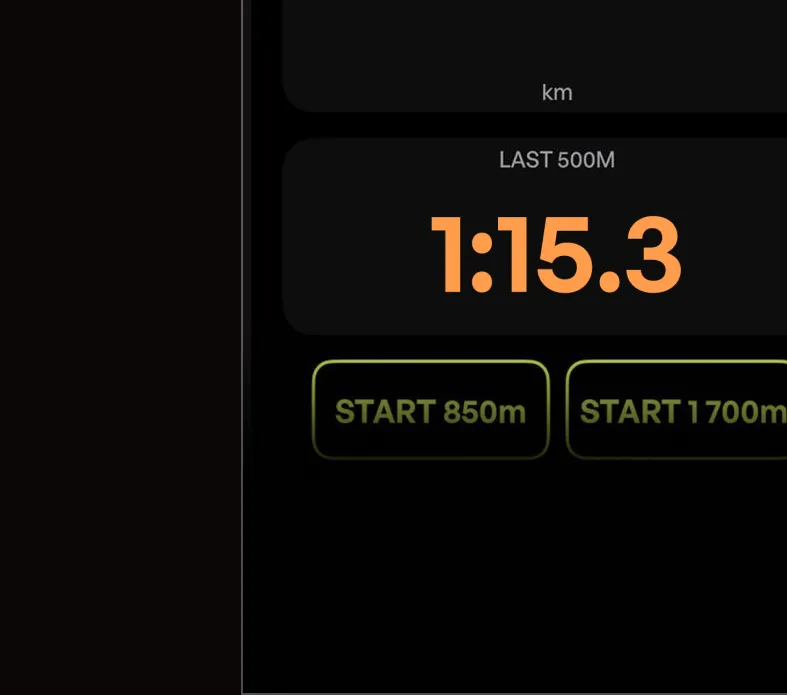
Automatically measure last segments (like final 500m) to evaluate performance.
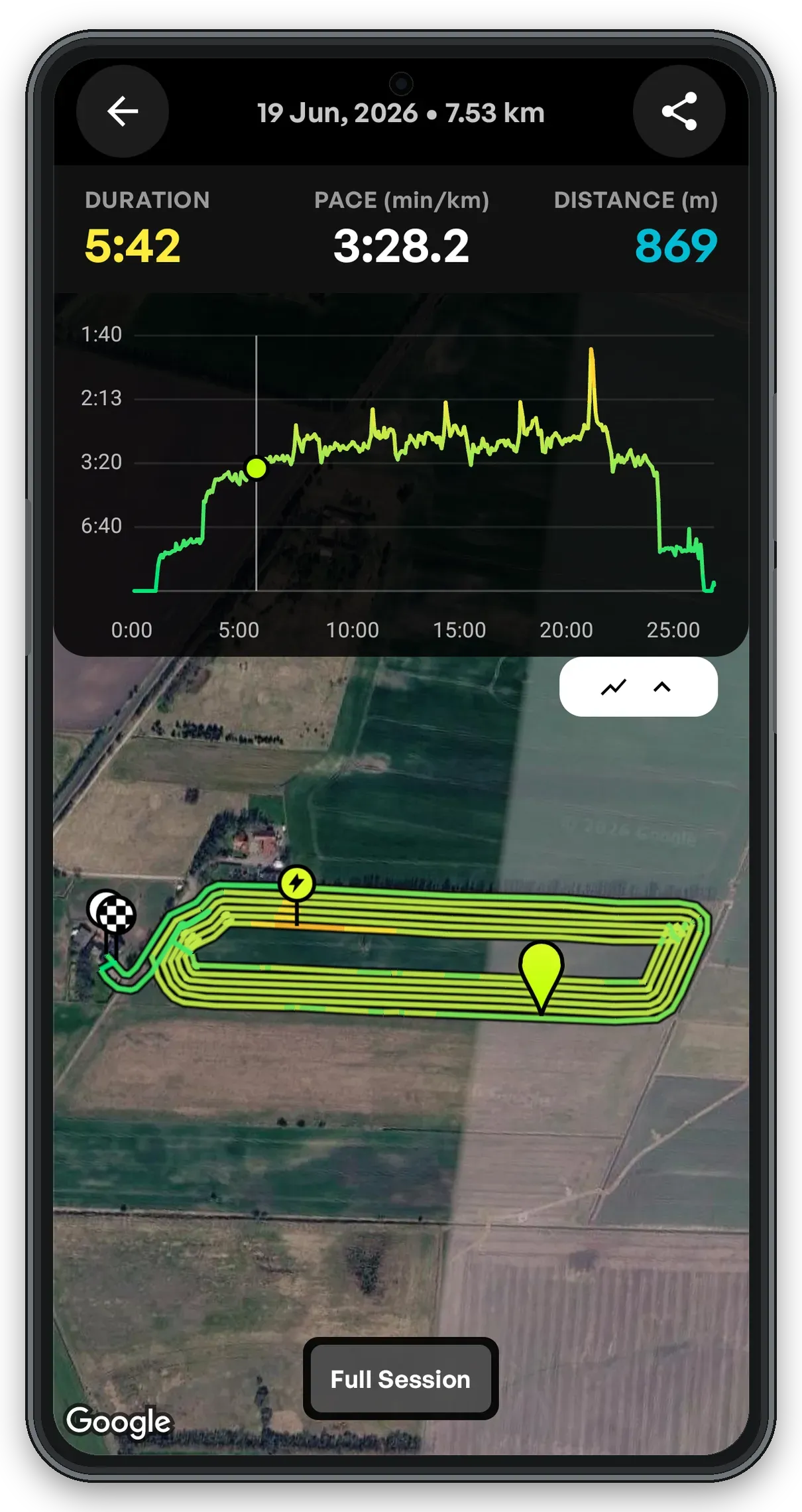
See the route, speed changes, and pace graph together after every ride.
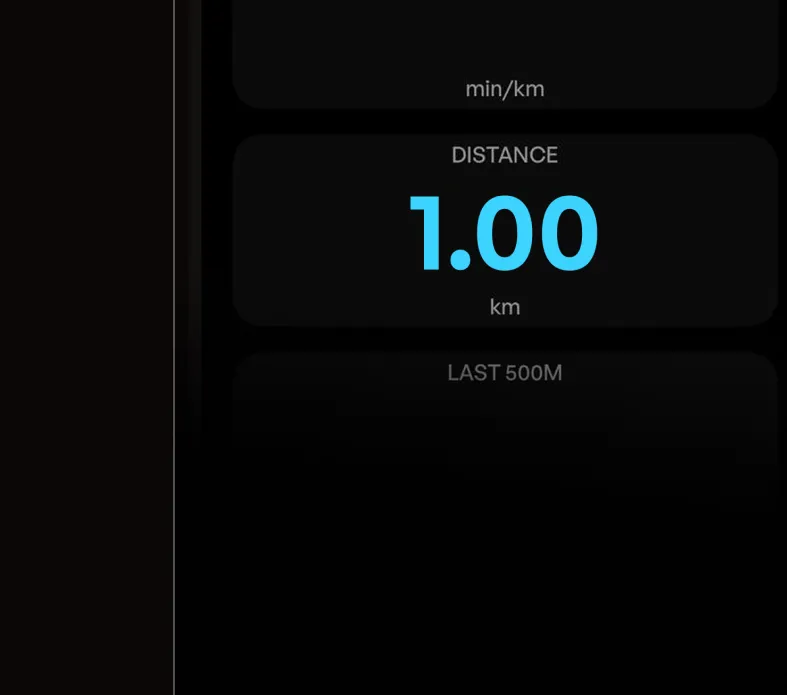
Race ends automatically when the selected distance is reached.
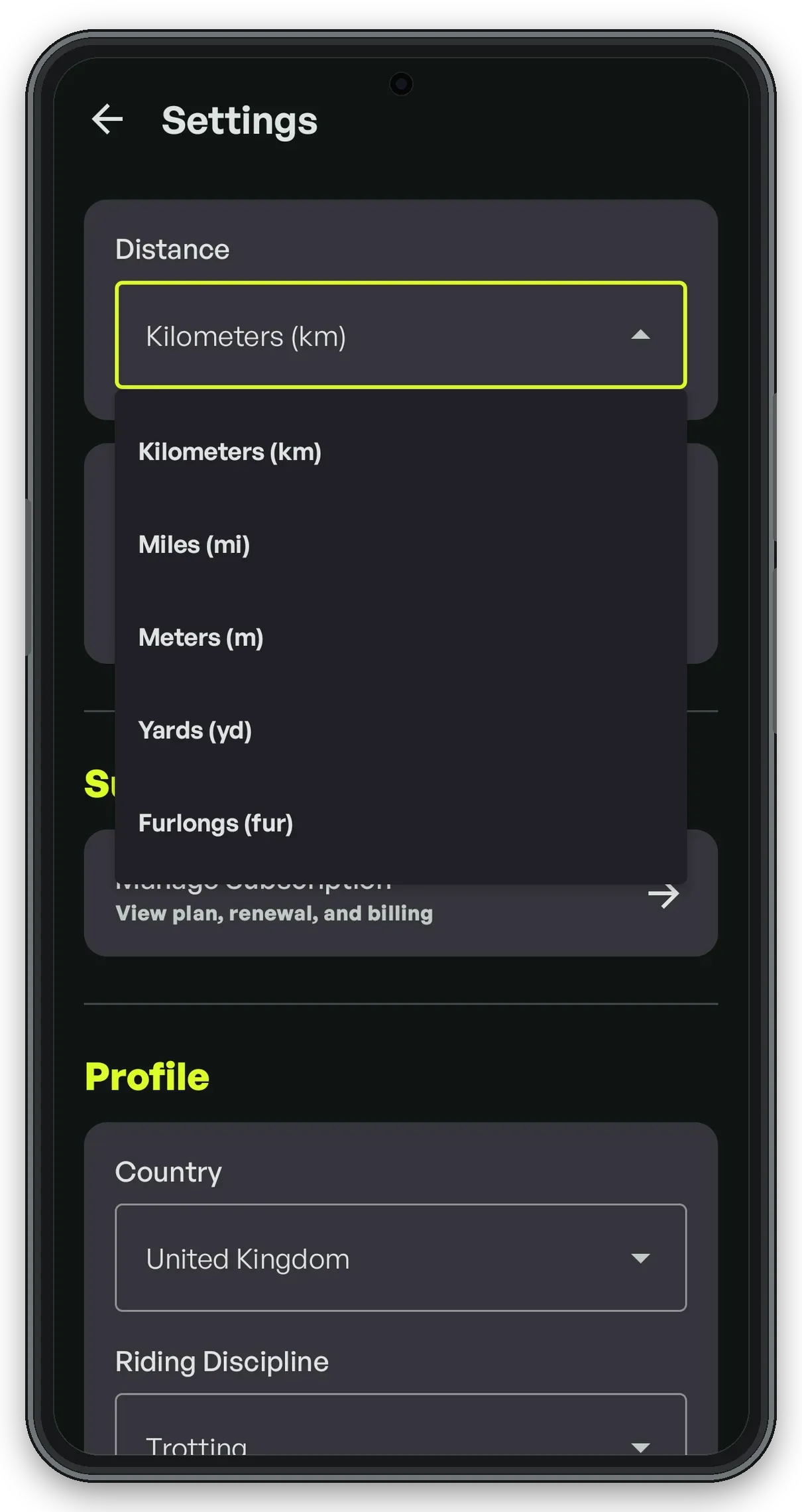
Choose any distance unit: km, mi, m, yd, fur and any speed/pace unit: min/km, min/mile, km/h, mph, m/min, min/fur, yd/min
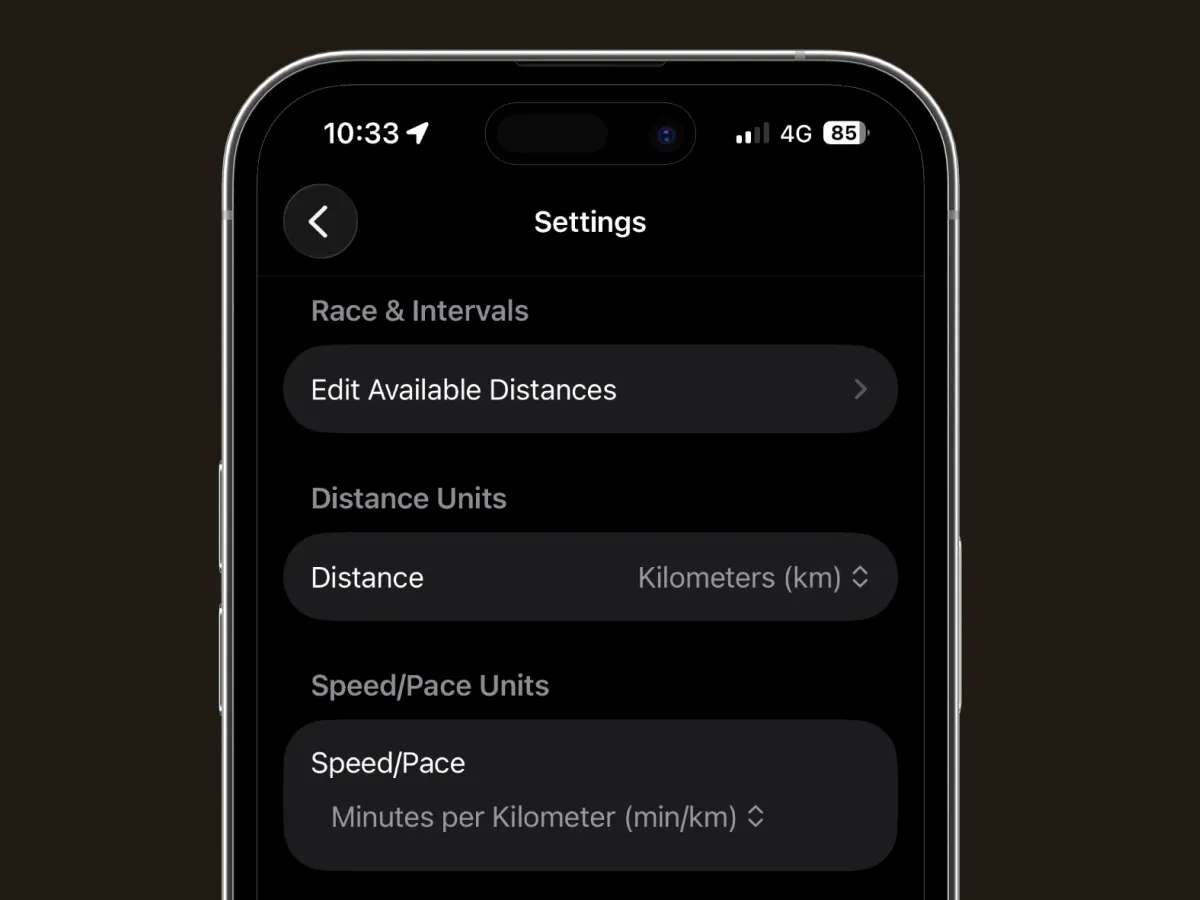
STEP 1
Set units and choose your training distances.
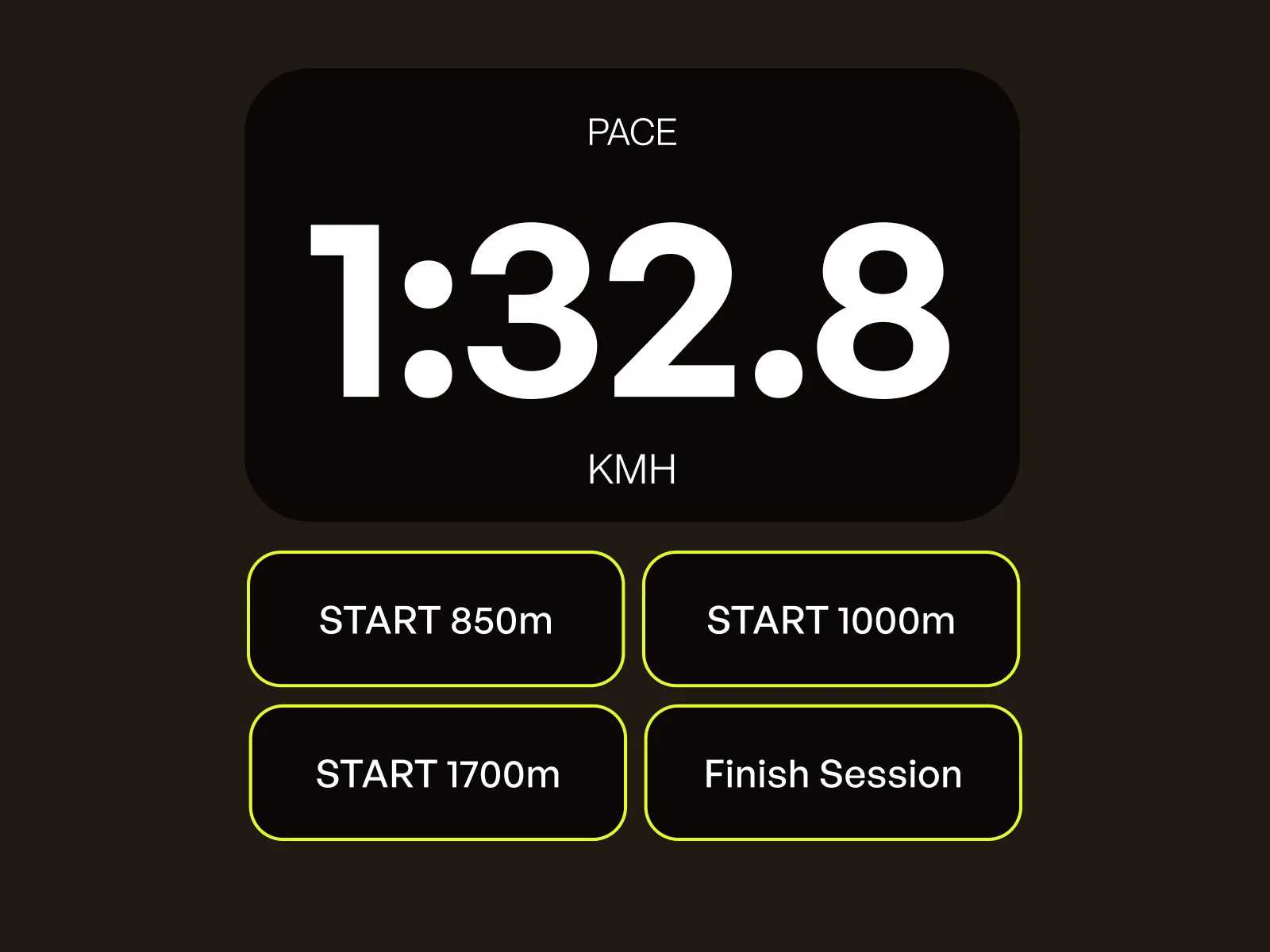
STEP 2
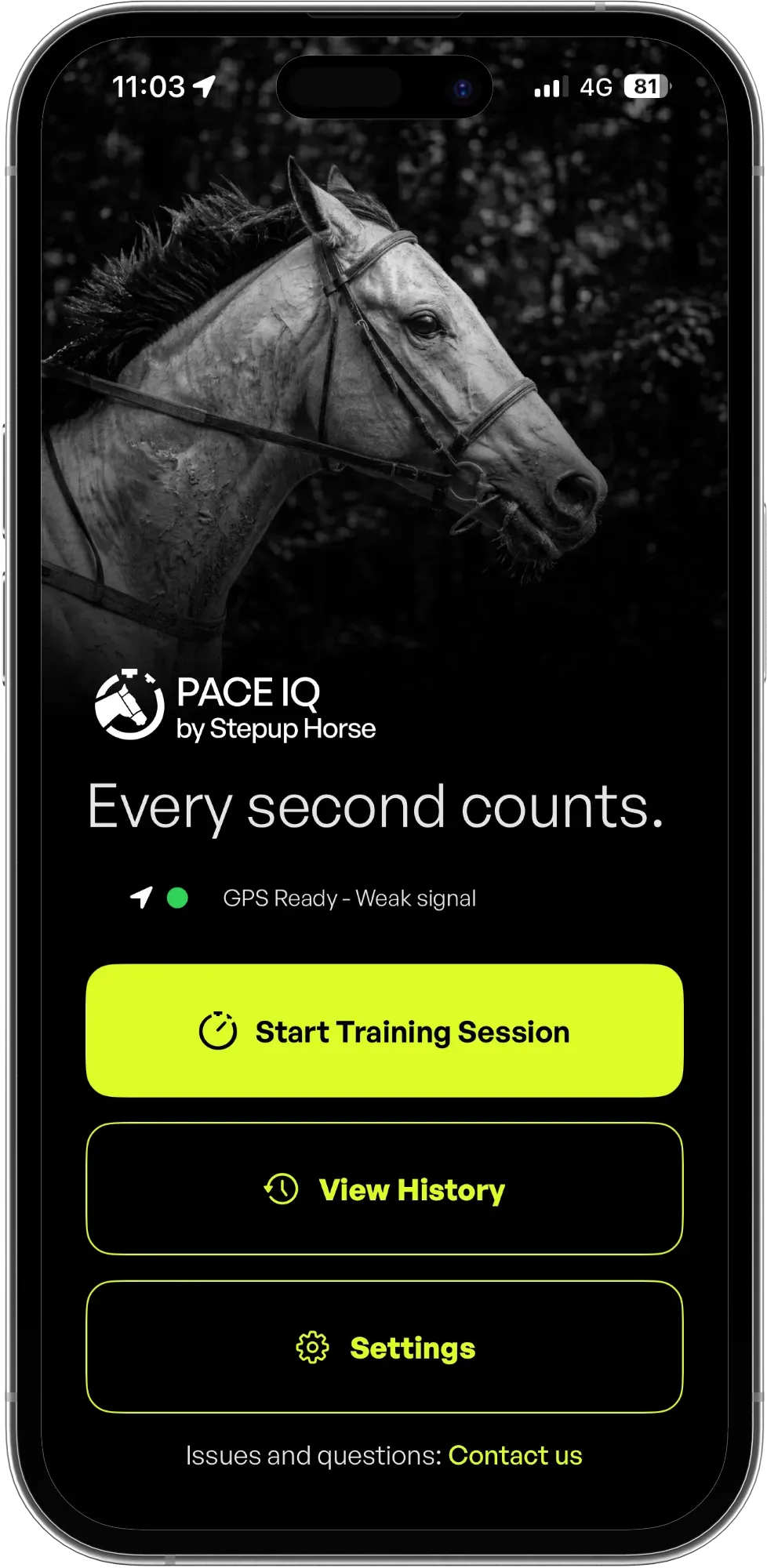
Press "Start Training Session" and begin a race by tapping your selected distance button.
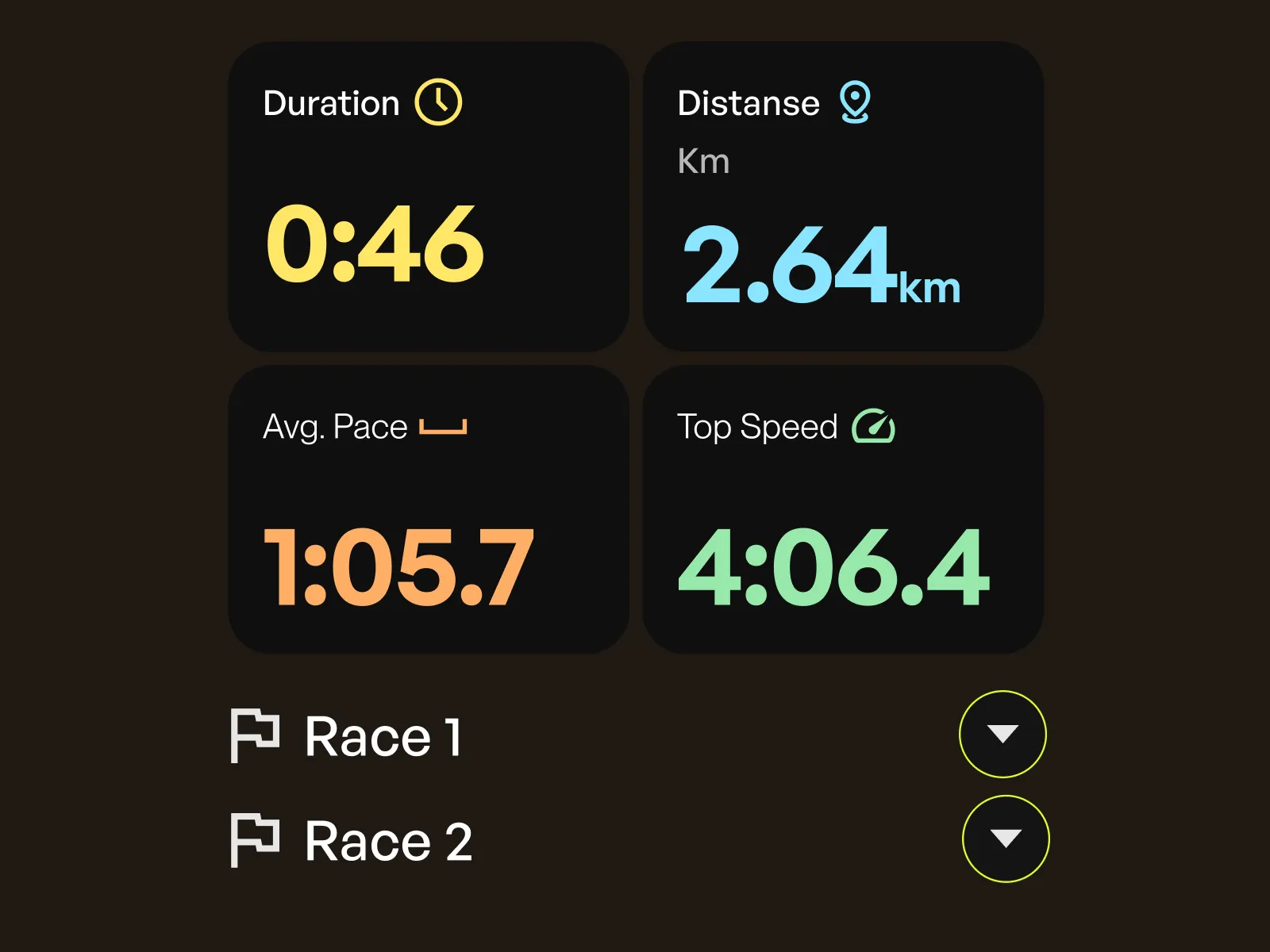
STEP 3
Run your races and check the session summary.
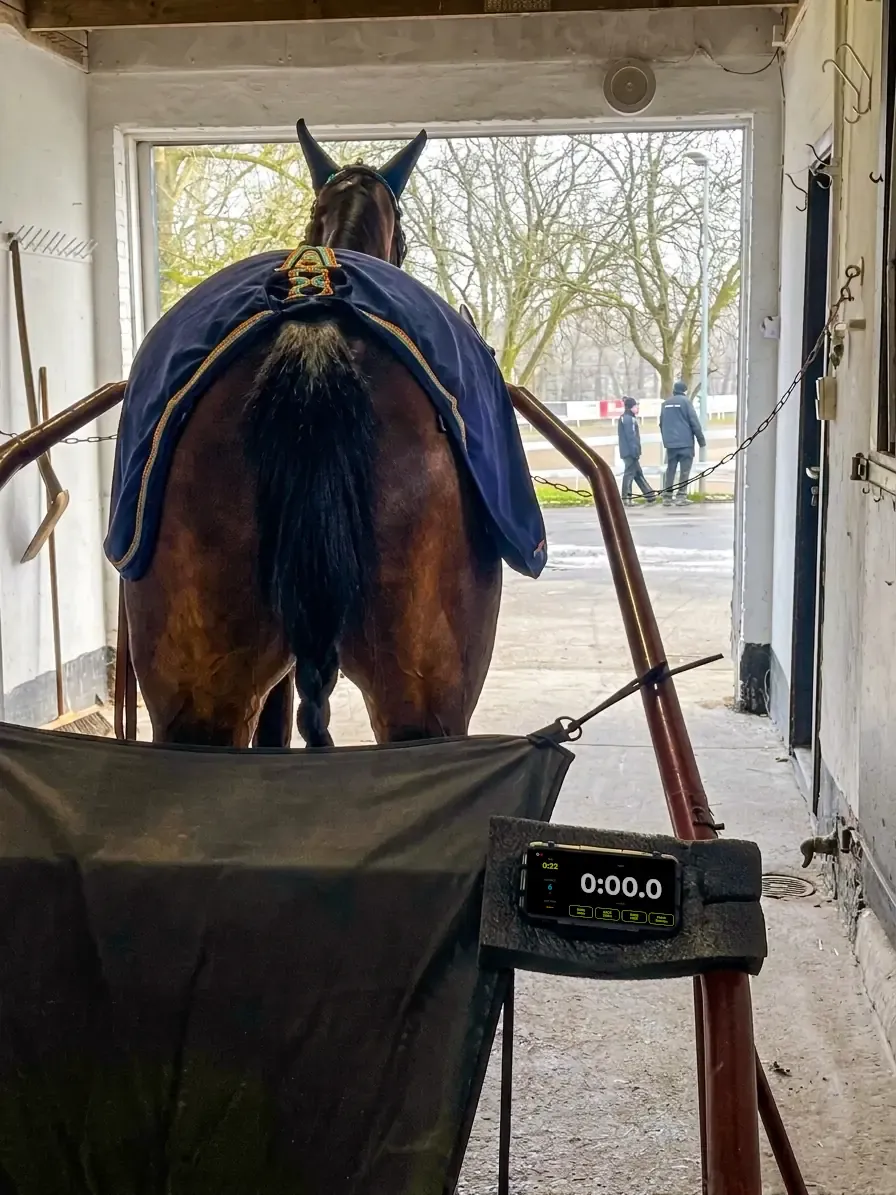
Mount your phone on the sulky for hands-free pace monitoring while you drive.
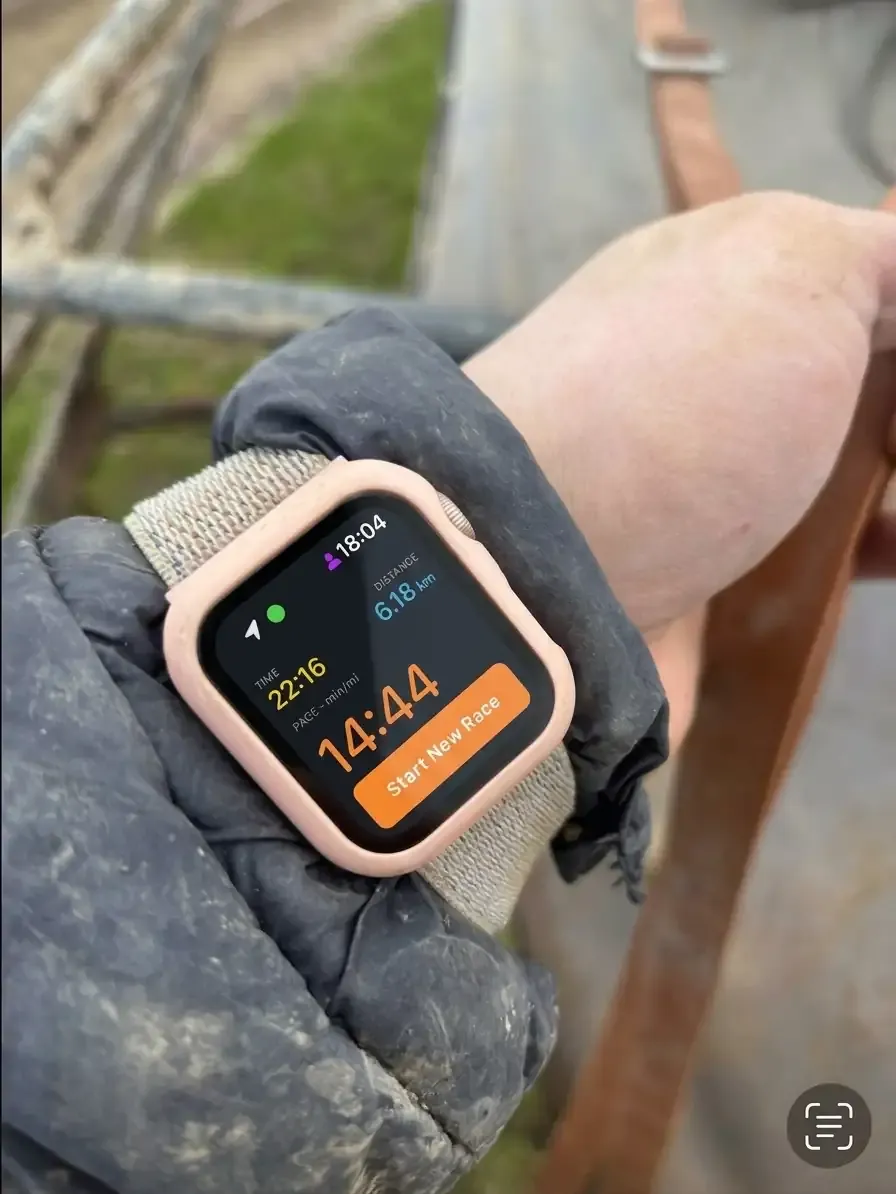
Apple Watch on your wrist — glance at pace, distance, and intervals mid-ride.
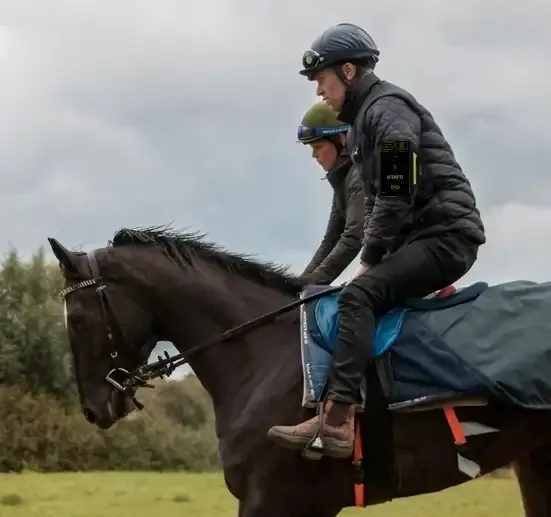
Phone in an armband for easy visibility of splits and lap times.
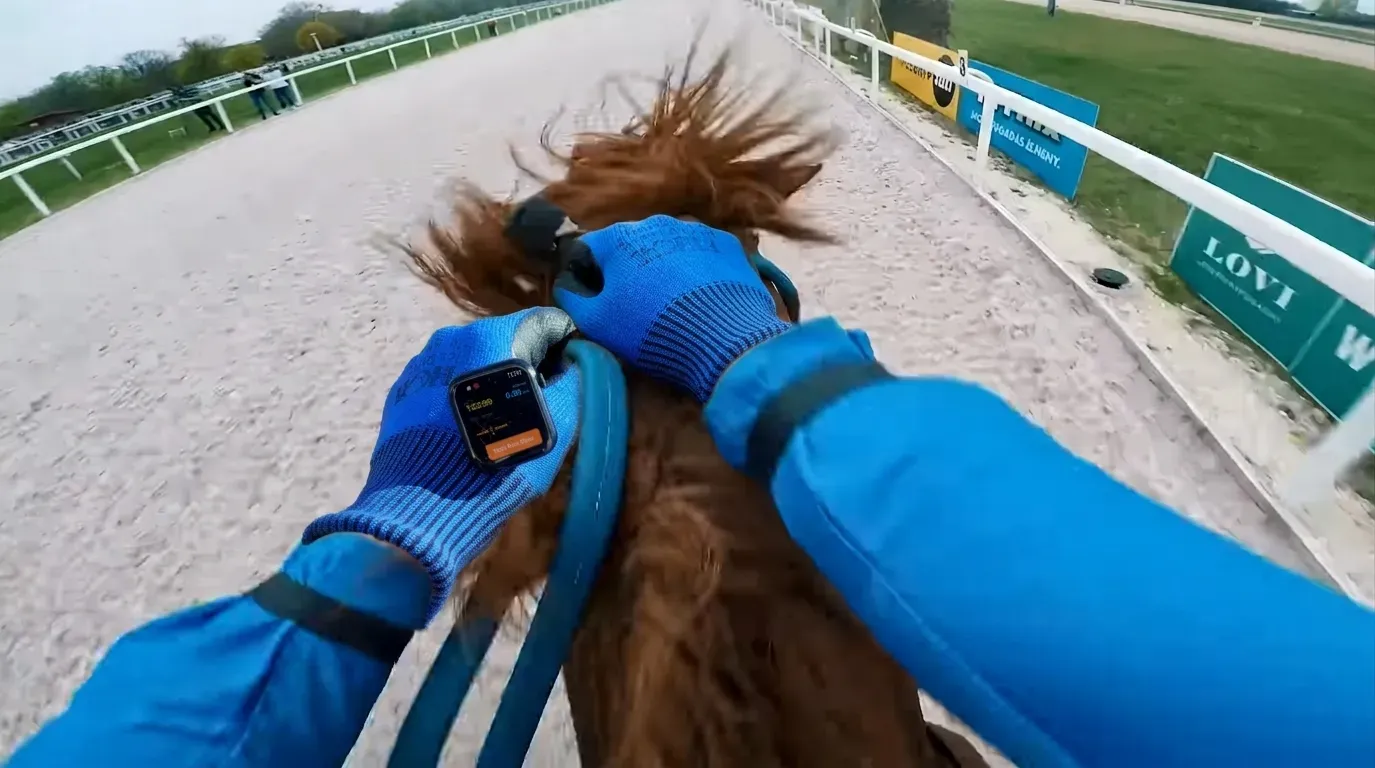
Apple Watch over the glove — check pace at a glance while holding the reins. Perfect for gallop riders.
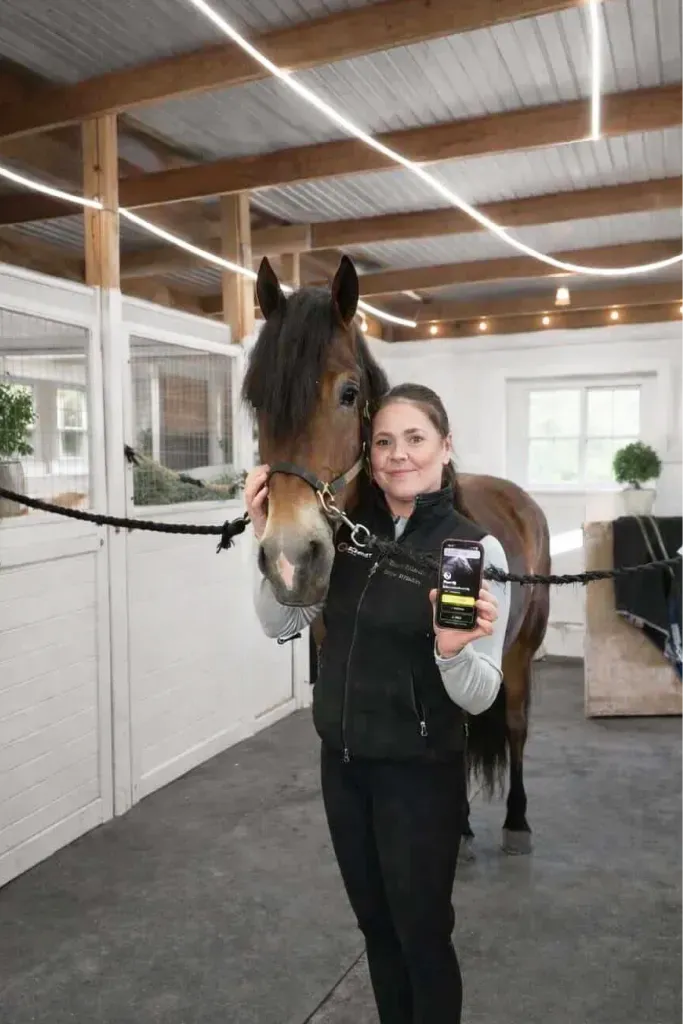
Trotting Trainer & Rider • Norway
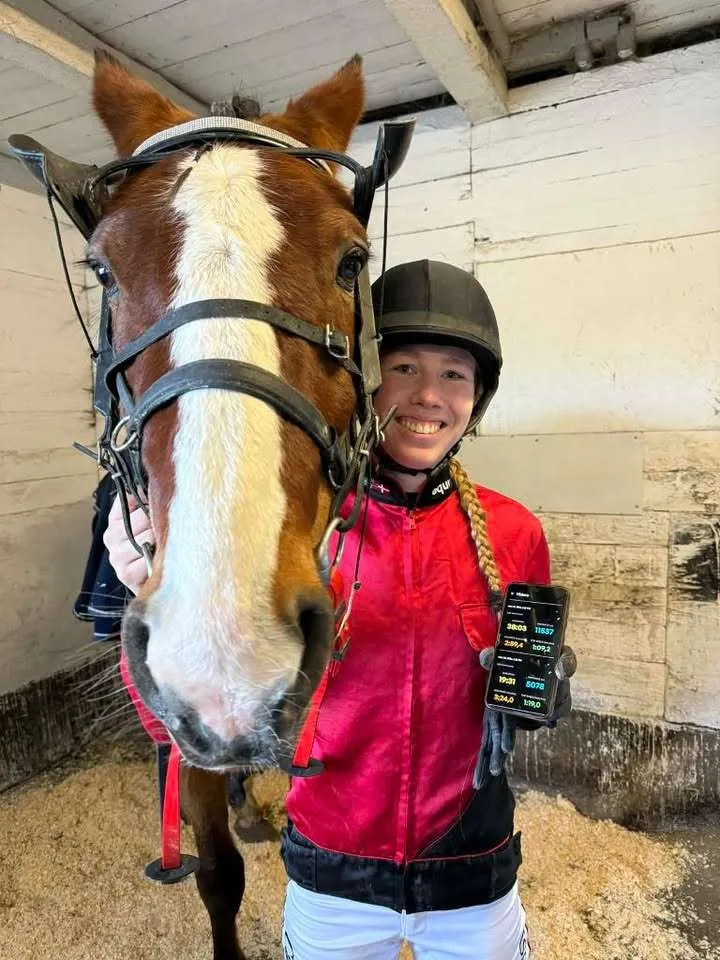
Trotting Trainer • Denmark
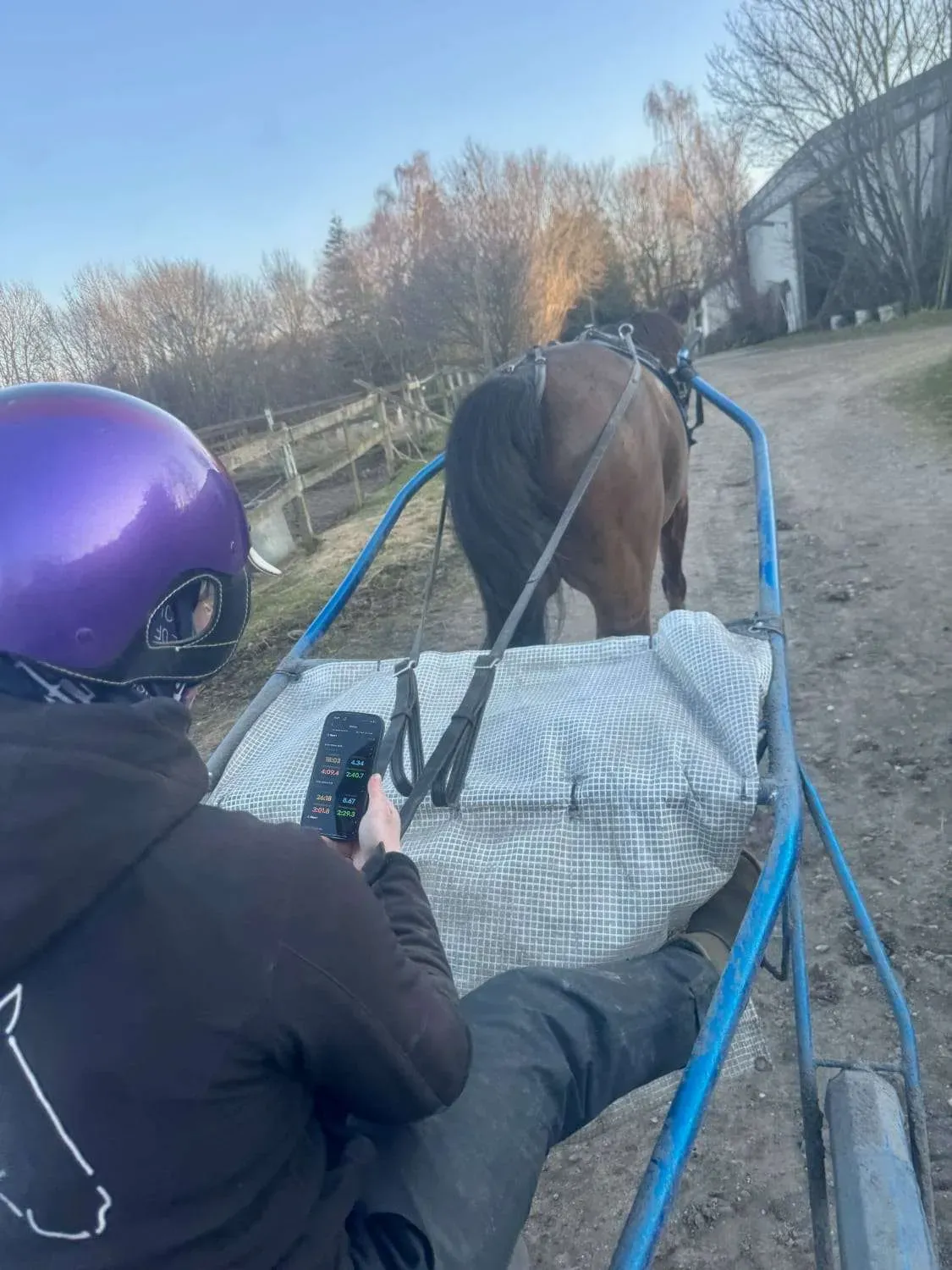
Trotting Amateur Trainer • Denmark
It's simple. Just launch the app, answer a few questions, and start your first training sessions.
Pace IQ tracks live pace and speed (in your choice of min/km, km/h, mph, or m/min), distance, split consistency, and structured interval segments. It also saves your complete training history, including comments on track conditions and weather.
Yes. Pace IQ is fully optimized for both. Use the Apple Watch app for hands-free, real-time pace tracking right on your wrist during your ride. Use your iPhone or Android phone for initial setup, detailed session reviews, and browsing your long-term training history.
Pace IQ uses advanced, high-frequency GPS optimized specifically for equestrian movement. Under open skies, you can expect highly reliable and precise pace and distance readings. For the best accuracy, start your session with a clear line of sight to the sky to establish a strong GPS lock.
How you run your training is entirely up to you—you're the expert. Pace IQ simply acts as the ultimate digital tool to replace manual stopwatches. During your session, the screen displays your real-time pace or speed, alongside your speed for the last interval. You can also easily launch simulated races of any chosen distance to track and analyze your performance with absolute precision.
No. Pace IQ runs seamlessly in the background on both iPhone and Android. On Apple Watch, everything runs on your wrist, so you can keep your phone safely stored away during your training sessions.
Yes. After each session, you can add comments to record track conditions, weather, or custom notes. All of your comments are saved directly alongside the session data in your training history.
GPS signals require a clear line of sight to satellites in the sky. If you are training deep in a forest, near tall structures, or inside an indoor arena, the signal can become unstable, resulting in small gaps in your tracking. Additionally, keeping your phone tucked deep in a pocket or under heavy clothing can severely deteriorate GPS reception. For the best and most reliable signal, we recommend wearing your phone on an arm band or mounting it securely onto your sulky or cart.
Sometimes, smartphones or smartwatches aggressively close background applications to save memory or battery. To protect your work, we have built a robust automatic backup system: if the app is ever closed unexpectedly, you can fully recover all training data collected up to that moment as soon as you reopen the app. If you are on an Android device and experience background stops, we highly recommend going into your device settings and turning on the option to disable battery optimizations for Pace IQ.
While GPS tracking does use power, keeping your phone's screen turned on during training consumes far more battery than the GPS tracking itself. To maximize your battery life during long sessions, we recommend locking your screen and running Pace IQ in the background, or tracking your session hands-free using your Apple Watch.
Pace IQ
We’re here to help you
'/%3e%3c/g%3e%3c/svg%3e)
'%20stroke='var(--stroke-0,%20%238EFFA1)'%20stroke-width='0.7'/%3e%3c/g%3e%3c/svg%3e)
'/%3e%3cpath%20id='Vector'%20d='M26.6667%2018.6667H18.6667V26.6667H16V18.6667H8V16H16V8H18.6667V16H26.6667V18.6667Z'%20fill='var(--fill-0,%20%231A130F)'/%3e%3c/g%3e%3c/svg%3e)

'/%3e%3cpath%20id='path1203'%20fill-rule='evenodd'%20clip-rule='evenodd'%20d='M19.9715%2018.4656L15.1328%2014.0117V13.7001L19.973%209.24609L20.0775%209.30579L25.8022%2012.2994C27.4414%2013.1497%2027.4414%2014.5504%2025.8022%2015.4124L20.0775%2018.4059C20.0759%2018.4059%2019.9715%2018.4656%2019.9715%2018.4656V18.4656Z'%20fill='var(--fill-0,%20black)'/%3e%3cpath%20id='path1210'%20fill-rule='evenodd'%20clip-rule='evenodd'%20d='M20.0725%2018.4055L15.1295%2013.8555L0.53125%2027.2888C1.06448%2027.8158%201.96164%2027.8755%202.96481%2027.3601L20.0725%2018.4055Z'%20fill='var(--fill-0,%20%230A0A0B)'/%3e%3cpath%20id='path1223'%20fill-rule='evenodd'%20clip-rule='evenodd'%20d='M20.0725%209.30826L2.96481%200.36535C1.96322%20-0.161731%201.06448%20-0.0903862%200.53125%200.436695L15.1279%2013.8569L20.0725%209.30826Z'%20fill='var(--fill-0,%20%230A0A0B)'/%3e%3cpath%20id='path1225'%20opacity='0.2'%20fill-rule='evenodd'%20clip-rule='evenodd'%20d='M19.9633%2018.3125L2.97262%2027.1957C2.02325%2027.698%201.17673%2027.6631%200.630835%2027.2074L0.539062%2027.2918L0.630835%2027.3632C1.17673%2027.8174%202.02325%2027.8538%202.97262%2027.3515L20.0803%2018.4086L19.9633%2018.3125V18.3125Z'%20fill='var(--fill-0,%20black)'/%3e%3cpath%20id='path1227'%20opacity='0.12'%20fill-rule='evenodd'%20clip-rule='evenodd'%20d='M-nan%20-nanL25.8028%2015.2562L20.0451%2018.2655C20.0041%2018.2869%2019.9968%2018.3425%2020.0308%2018.3738C20.0515%2018.3928%2020.082%2018.3968%2020.107%2018.3838L25.7901%2015.412C26.6097%2014.981%2027.0132%2014.419%2027.0132%2013.8555C26.961%2014.3709%2026.5448%2014.8616%2025.8028%2015.2562L-nan%20-nanL-nan%20-nanZ'%20fill='var(--fill-0,%20black)'/%3e%3cpath%20id='path1229'%20opacity='0.25'%20fill-rule='evenodd'%20clip-rule='evenodd'%20d='M2.96679%200.521136L25.7992%2012.4576C26.5413%2012.8406%2026.9575%2013.3429%2027.0223%2013.8583C27.0223%2013.2963%2026.6189%2012.7328%2025.7992%2012.3018L2.96679%200.365342C1.32754%20-0.496625%200%200.221195%200%201.94513V2.10092C0%200.37699%201.32754%20-0.329182%202.96679%200.521136Z'%20fill='var(--fill-0,%20black)'/%3e%3c/g%3e%3c/svg%3e)
'/%3e%3c/svg%3e)